
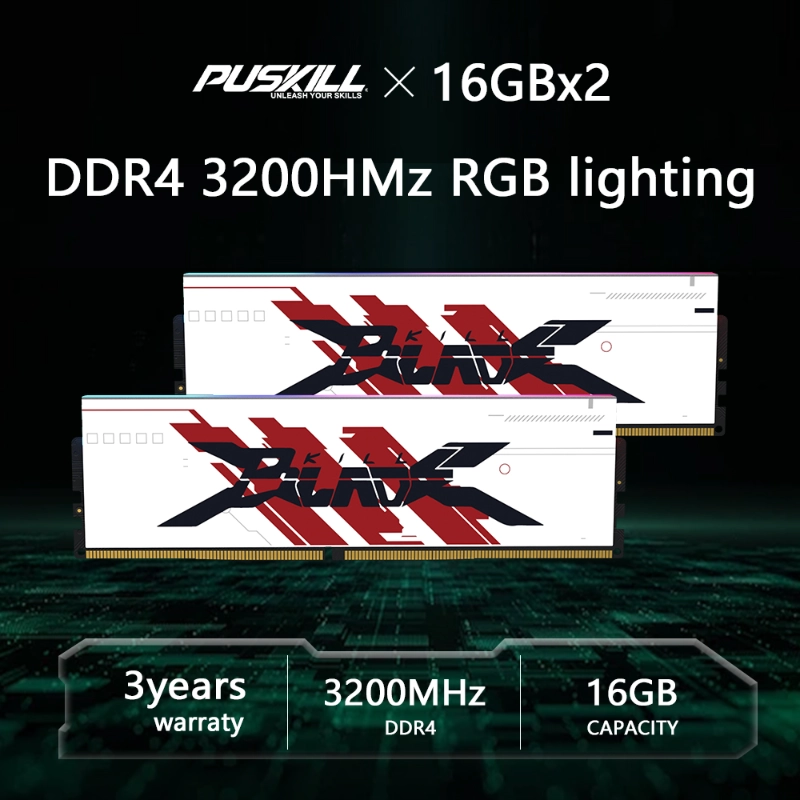
Choosing the right DDR4 RAM helps budget gaming PCs balance performance and cost. Memory capacity, transfer rate, and latency all influence system responsiveness. Therefore, buyers should match memory specifications with their processors and gaming workloads.
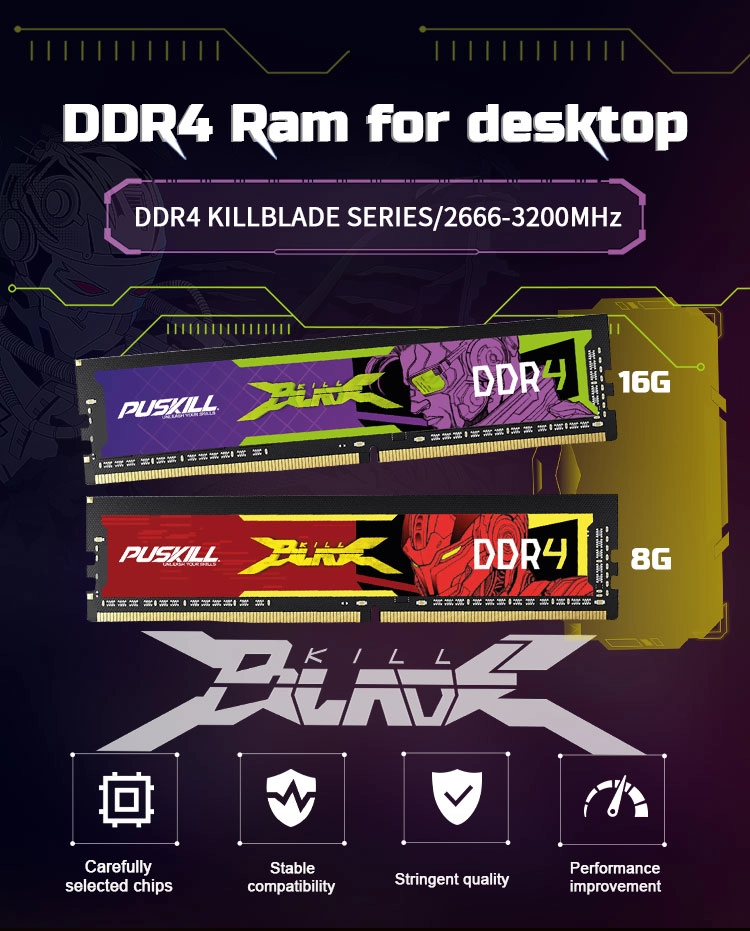
Puskill offers DDR4 memory in 8-gigabyte, 16-gigabyte, and 32-gigabyte capacities. Additionally, its speed options cover 2666, 3200, and 3600 MT/s. These configurations support different desktop builds and purchasing budgets.
How Much DDR4 RAM Does a Budget Gaming PC Need?
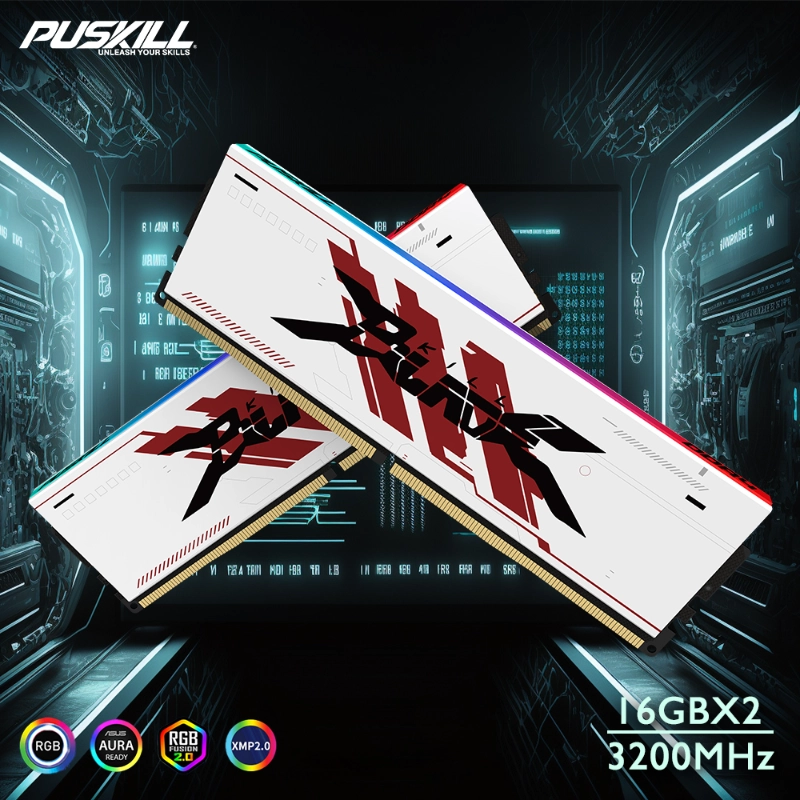
Memory capacity affects how smoothly games handle assets and background applications. Therefore, 16 gigabytes provides a sensible starting point for many budget gaming builds. For example, a matched 2 × 8-gigabyte configuration enables dual-channel operation on compatible platforms.
Meanwhile, 32 gigabytes offers more room for demanding games and multitasking. Players who stream, edit videos, or run multiple applications may benefit from additional capacity. However, actual requirements depend on the game and system configuration.
How Does Dual-Channel Memory Help?
Dual-channel operation increases the available memory bandwidth when the platform supports it. Consequently, matching two modules can improve performance in memory-sensitive applications. The actual gaming benefit depends on the processor and graphics configuration.
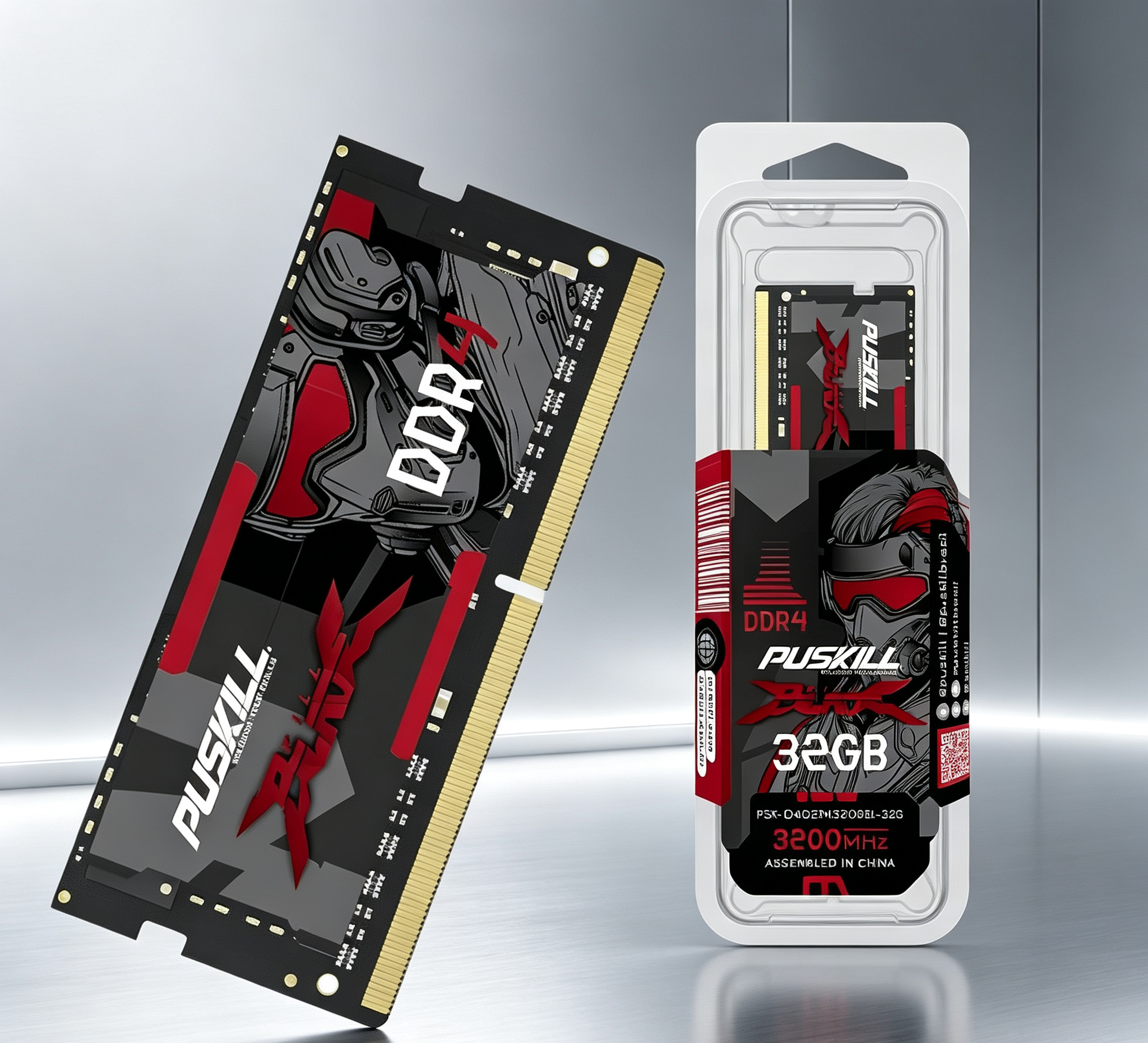
Puskill offers 8-gigabyte, 16-gigabyte, and 32-gigabyte modules. Therefore, buyers can discuss suitable module combinations for their target systems. Always verify the motherboard’s supported capacity and memory configuration.
Which DDR4 Speed Offers the Best Budget Value?
Higher memory data rates can increase bandwidth on compatible systems. However, the fastest module may not deliver the best value for every gaming PC. Processor support, motherboard limitations, and pricing all influence the decision.
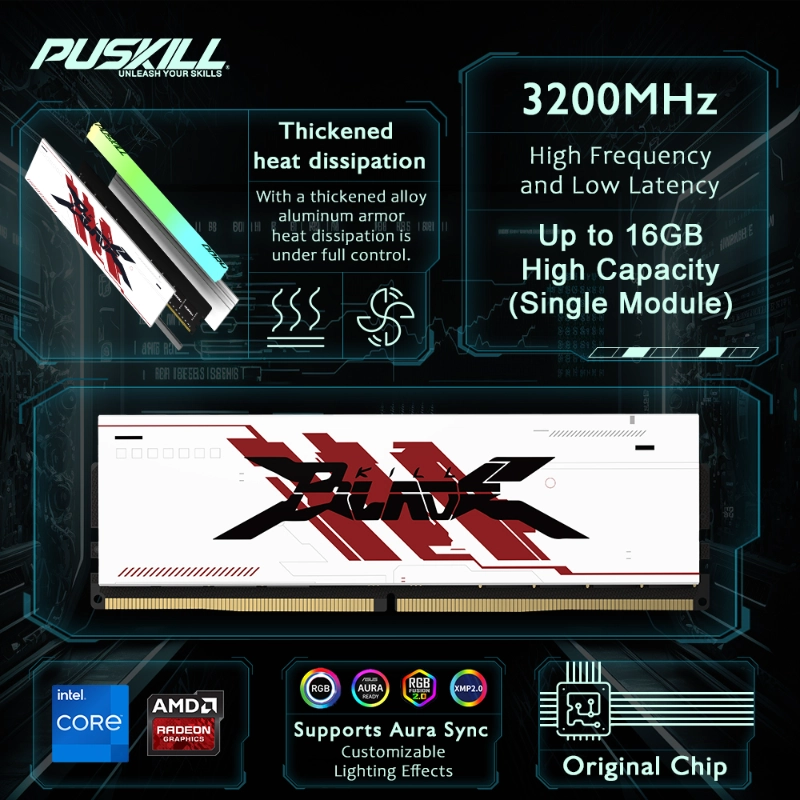
Puskill offers DDR4-2666, DDR4-3200, and DDR4-3600 options. For many budget builds, DDR4-3200 provides a practical performance target. Meanwhile, DDR4-2666 can suit older platforms with more limited memory support.
When Should You Choose DDR4-3600?
DDR4-3600 may suit compatible systems seeking additional memory bandwidth. Nevertheless, buyers should confirm processor and motherboard support first. Some platforms may operate faster modules at lower supported rates.
Therefore, compare the complete configuration rather than speed alone. A compatible DDR4-3200 module may offer better value than an unsupported higher-speed option.

Do Latency and Voltage Matter for Gaming Memory?
Memory timing describes delays during specific memory operations. Consequently, buyers should consider latency alongside transfer rate. Puskill lists CL16, CL19, and CL22 timing options.
At comparable data rates, lower CAS latency generally means fewer clock cycles for the specified operation. However, CAS latency alone does not determine total gaming performance.
How Should Buyers Compare These Specifications?
Puskill lists an operating voltage of 1.35 volts. Buyers should confirm this requirement against the module specification and motherboard settings. Additionally, they should check the supported memory profiles before enabling higher-speed settings.
Correct configuration helps maintain compatibility and predictable operation. Moreover, suitable memory settings allow the system to use supported performance levels.
Can Gaming RAM Improve Both Performance and Appearance?
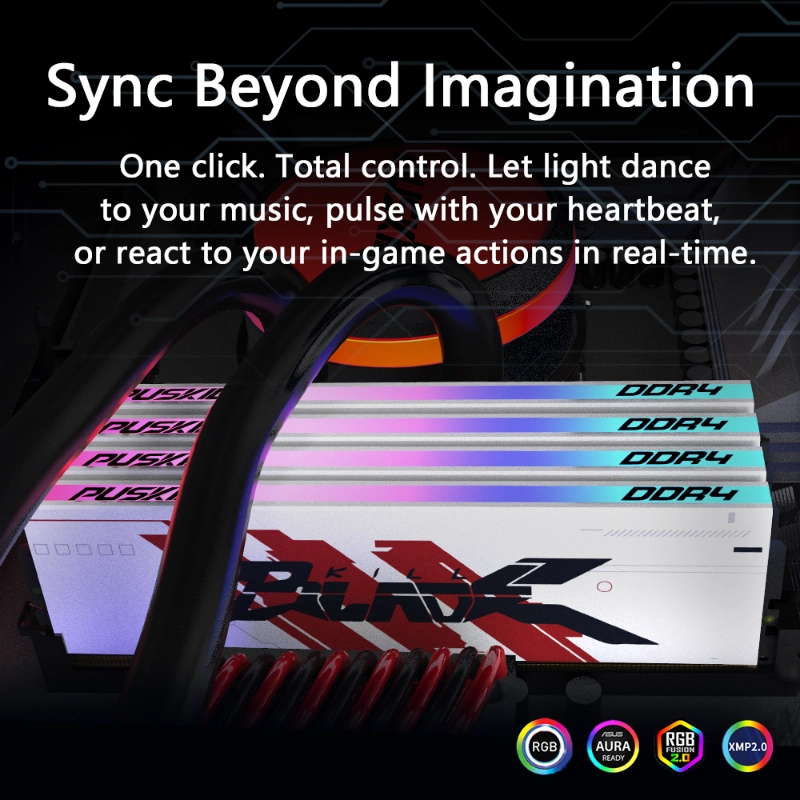
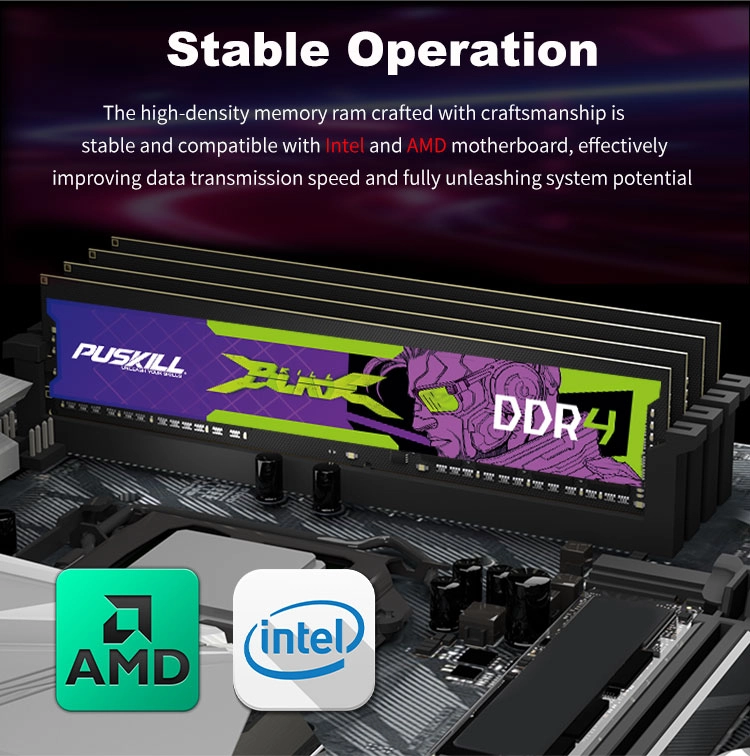
A gaming PC often combines performance hardware with personalized styling. Therefore, memory appearance can matter alongside capacity and speed. Puskill offers RGB DDR4 memory with a white heat spreader described in its product information.
This design suits white-themed builds and systems with coordinated lighting. Meanwhile, black PCB options support different internal aesthetics. Buyers should confirm the exact heatsink and lighting configuration before ordering.
Puskill also supports chip options from Hynix, Micron, Samsung, and Puskill. Available configurations list eight or sixteen memory ICs. These details help distributors specify products for different markets.
Which Puskill DDR4 Memory Configuration Should You Choose?
The following table summarizes the main product specifications. It also highlights practical considerations for budget gaming and wholesale purchasing.
| Parameter | Puskill Specification | Buyer Consideration |
|---|---|---|
| Memory generation | DDR4 | Requires a compatible DDR4 motherboard |
| Capacity | 8, 16, or 32 gigabytes | Match gaming and multitasking needs |
| Data rates | 2666, 3200, or 3600 MT/s | Confirm platform support |
| CAS latency | CL16, CL19, or CL22 | Compare complete timings |
| Operating voltage | 1.35 volts | Verify module requirements |
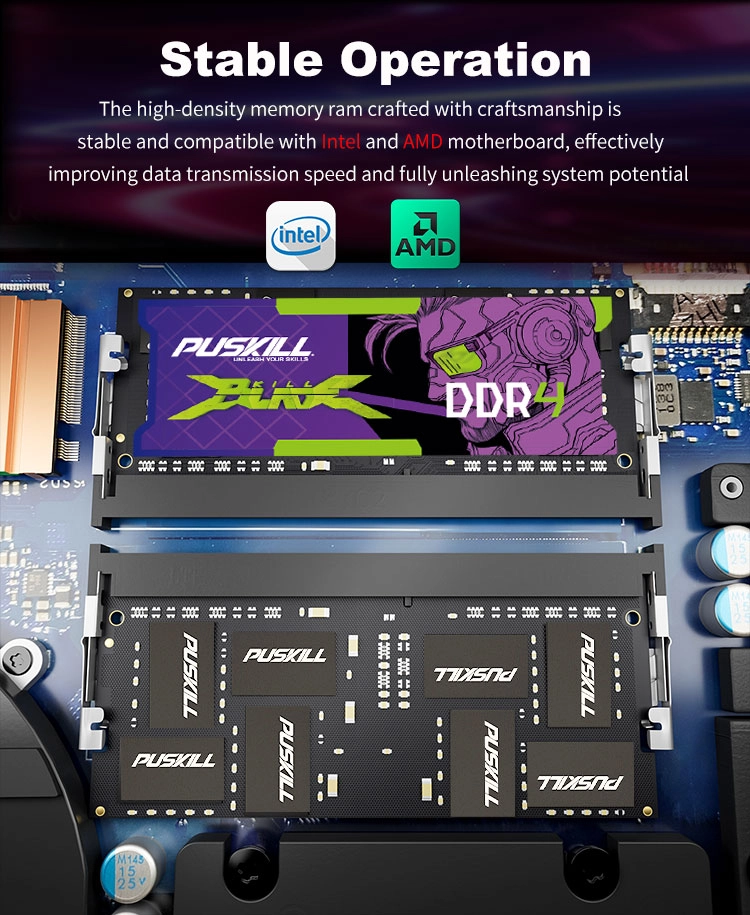
| Module format | 288-pin desktop DIMM | Suitable for compatible desktop slots |
| Chip options | Hynix, Micron, Samsung, or Puskill | Confirm the actual configuration |
| PCB color | Black | Check the selected variant |
| RGB options | Listed for RGB models | Confirm lighting and heatsink details |
| Certifications | FCC, CE, and RoHS listed | Request applicable documentation |
| Customization | OEM and ODM supported | Discuss branding and configuration |
| Warranty | Lifetime warranty listed | Confirm applicable terms |
For most budget gaming builds, start by evaluating 16 gigabytes at DDR4-3200. Then, consider 32 gigabytes for heavier workloads or longer-term capacity planning.
Explore Puskill’s DDR4 memory products to review available modules and configurations.
For system integrators and distributors, Puskill also supports OEM and ODM services. Additionally, bulk and retail packaging options help accommodate different sales channels.
Read our computer memory technical guide for more information about memory selection and platform compatibility.
Q&A
Q: What DDR4 RAM is recommended for budget gaming PCs?
A 16-gigabyte configuration using two matched 8-gigabyte modules is a practical starting point. DDR4-3200 suits many compatible budget platforms. However, verify your motherboard and processor specifications first.
Q: Is 32 gigabytes of DDR4 RAM worth buying?
It can benefit demanding games and heavy multitasking. Meanwhile, 16 gigabytes may remain sufficient for lighter gaming workloads. Choose according to your applications and upgrade budget.
Q: Is DDR4-3600 better than DDR4-3200?
DDR4-3600 offers a higher data rate when the platform supports it. Nevertheless, real-world gains depend on the processor, motherboard, timings, and game.
Q: Can Puskill customize DDR4 memory for wholesale buyers?
Yes. Puskill supports OEM and ODM services, with bulk and retail packaging options. Confirm available configurations, branding requirements, and warranty terms before ordering.
Q: What should buyers check before purchasing DDR4 RAM?
Confirm capacity, data rate, timings, voltage, and motherboard compatibility. Additionally, check the module format and supported memory profiles. These details help ensure a suitable configuration for your gaming PC.

Add comment